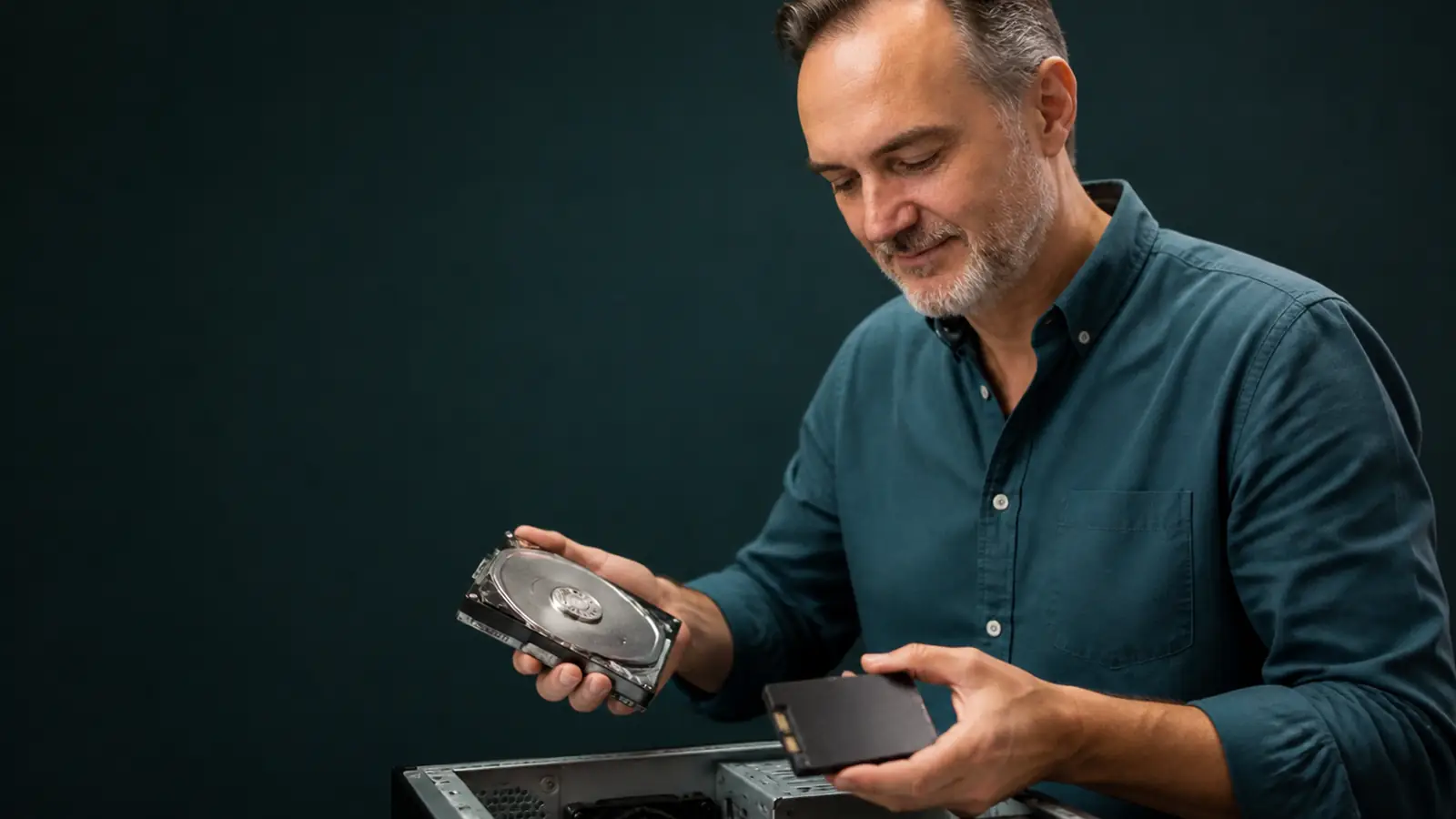
SSD Upgrade in Oleiros | Your Computer Fast in 24–48h
Does Windows take 5 minutes to start up? An SSD is the answer. We replace your old hard drive with a modern SSD: your computer boots in 10–15 seconds and programmes open instantly. With or without data cloning — your choice.
What is an SSD and why do you need one?
An SSD (Solid State Drive) is a storage drive with no moving parts, much faster and more reliable than traditional mechanical hard drives. It is the single upgrade that makes the biggest difference in everyday use.
If your computer takes more than 2 minutes to start up, the problem is almost always the hard drive. Replace it with an SSD and Windows boots in 10–15 seconds, programmes open instantly and the computer responds without any wait.
Cloning or clean install? You choose
We offer two options depending on what you need:
- Cloning option: We copy everything you have exactly as it is (Windows, programmes, files) to the new SSD. The computer ends up exactly the same as before, just much faster. Nothing is lost, nothing changes.
- Clean install option: We install Windows from scratch and migrate only your personal files. The result is a cleaner, faster system without years of accumulated junk. Ideal if the computer hasn't been reinstalled in years.
Our recommendation: If the system has been running for years and has a lot of clutter, a clean install with data migration gives better long-term results. Ask us and we'll advise you with no obligation.
What does the SSD upgrade include?
- Diagnosis of your current hard drive
- Quality SSD (Samsung, Kingston, Crucial, WD)
- Full cloning OR clean install (your choice)
- Backup before we start
- Personal file migration
- Windows installation and configuration
- Installation of your regular programmes
- Full verification of the result
Why get your SSD upgrade in Oleiros with us?
Indicative prices💡 Before you buy a new computer
In most cases, an SSD upgrade makes an old computer perform as well as a new one. Ask us before spending money on new equipment.
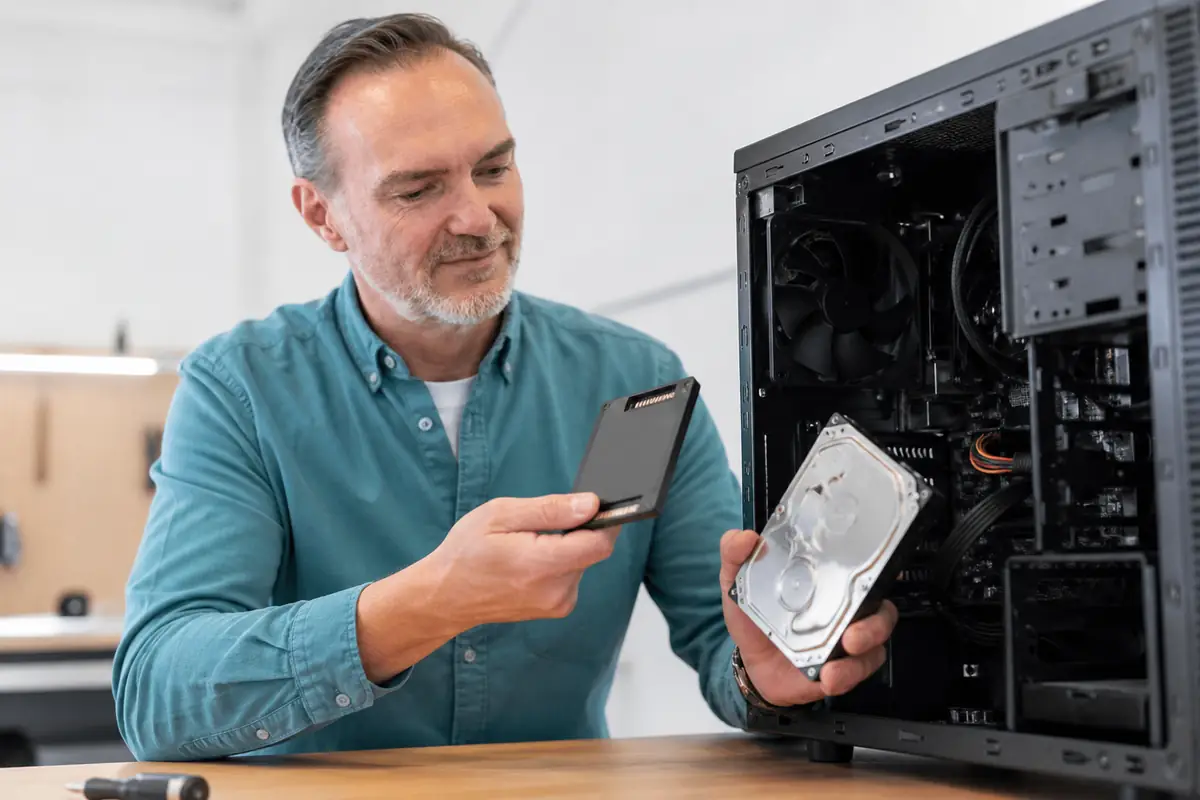
Questions about SSD upgrades in Oleiros
Will I lose my files with the SSD upgrade?
No. With the cloning option, everything stays exactly the same. With a clean install, we migrate all your personal files to the new SSD beforehand.
What size SSD do I need?
It depends on how much storage you currently use. The most common sizes are 480 GB and 1 TB. We recommend the most suitable one for your usage.
Is it compatible with my computer?
Almost all desktop and laptop computers support SSDs. We check during the free diagnosis.
How long does the upgrade take?
Usually between 2 and 4 hours. The computer is typically ready the same day.
Tired of waiting for your computer to start up?
Switch to SSD and feel the difference from day one. Free diagnosis, no obligation.